macOSRelease Buildv1.0.0
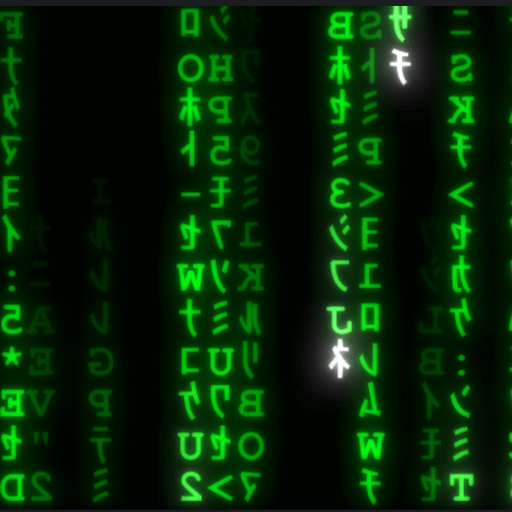
MatrixRain
Smooth multi-monitor digital rain with CRT options
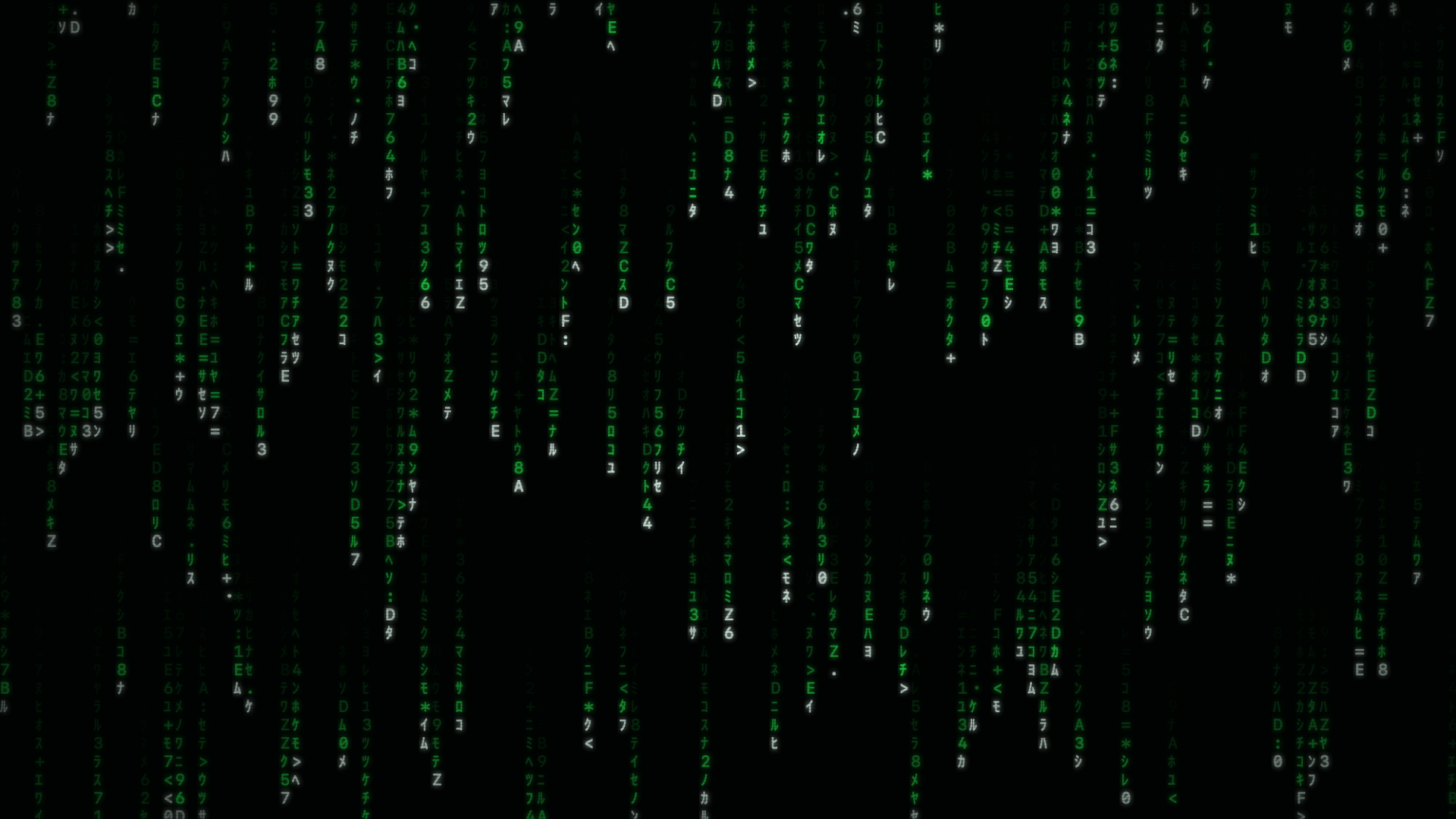
A native macOS screensaver with fixed-grid glyphs, falling illumination, optional CRT effects, phosphor glow, scanlines and smooth multi-monitor rendering.
Back up first. Preview software and hardware controls can bite. Downloads are provided as-is; terms apply.
Built for
What it does
- Fixed-grid glyph falling illumination targeting 60 FPS
- Multi-monitor independent resolution support
- Optional CRT scanline overlays and subtle flicker
- Customizable phosphor glow and vignette intensity
- Native macOS Screen Saver framework integration
- Lightweight resource usage with no external assets
Release notes
- Platform
- macOS 11+
- Version
- v1.0.0
- Status
- Release Build
- License
- MIT License
- Build
- Universal Binary (Apple Silicon & Intel)
First launch: This release is not notarized. macOS may require you to approve the screensaver in Privacy & Security before installation.
- Download MatrixRain.saver.zip from the official release page.
- Unzip the downloaded archive to extract MatrixRain.saver.
- Double-click MatrixRain.saver to prompt macOS Screen Saver installation.
- Select MatrixRain under System Settings → Screen Saver.
SHA-256 checksum
7f73035c2ec593e2c5df367d2c45f3ee79f077f290d966e18cbf0d5a26e51492Download checksum file